Upgrade Your Home Comfort: A Comprehensive Guide to Installing a Honeywell Home T9 Wi-Fi Thermostat
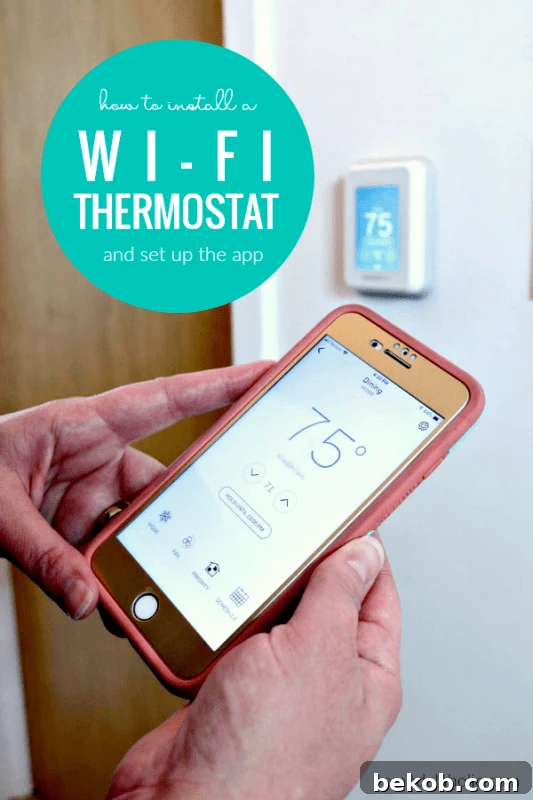
Transforming your home into a smart oasis doesn’t have to be a daunting task. While the idea of installing new smart home features might seem complex, integrating a Wi-Fi thermostat is one of the most impactful and surprisingly straightforward upgrades you can make. Gone are the days of manually adjusting temperatures or wasting energy when you’re away. With a modern smart thermostat, precise climate control is just a tap away on your smartphone, offering unparalleled convenience, comfort, and significant energy savings. This guide will walk you through our experience with adding a smart home thermostat to our fixer-uppers, highlighting the fantastic features we’ve come to love about our Honeywell Home T9 Wi-Fi Thermostat, and demonstrating just how simple it is to achieve ultimate home comfort.
Our journey to a smarter home has been an exciting one, turning our pair of fixer-uppers into highly functional and convenient living spaces. From a sleek smart lock on the front door that offers keyless entry and monitoring, to our indispensable Wi-Fi enabled garage door opener, every addition has enhanced our daily lives. We’ve even upgraded to easy-install USB charging outlets, embraced smart color-changing lights, and integrated a smart TV for seamless entertainment. My husband, Justin, thrives on integrating new technology, and I wholeheartedly appreciate the added convenience these smart devices bring. The latest and perhaps most impactful addition to our smart home ecosystem? Our new Wi-Fi thermostat, which has revolutionized how we manage our indoor climate. To see just how simple the setup process was, be sure to check out our step-by-step video tutorial below and subscribe to our channel for more DIY projects and smart home insights:
Subscribe to our channel to see more videos and inspiring home renovation projects!
Honeywell Home T9 Wi-Fi Thermostat: Seamless Setup and Advanced Installation
Please note: This post is not sponsored by Honeywell, but it does contain affiliate links to products we genuinely used and highly recommend. We believe in transparency and want you to know that we may earn a small commission if you make a purchase through these links, at no extra cost to you. You can learn more and read our full disclosure policy here.
Why Choose a Smart Wi-Fi Thermostat for Your Home?
The decision to upgrade to a smart thermostat goes beyond just having a fancy gadget on your wall. It’s about optimizing your home’s energy consumption, enhancing personal comfort, and gaining unprecedented control over your environment. Traditional thermostats offer limited functionality, often leading to wasted energy and inconsistent temperatures throughout your home. Smart thermostats, conversely, leverage advanced technology to learn your habits, adapt to external conditions, and provide precise climate control exactly where and when you need it. This translates directly into lower energy bills and a more comfortable living space, making them a wise investment for any homeowner.
Unveiling the Honeywell Home T9: Features That Stand Out
When it came to selecting the perfect smart thermostat for our home, the Honeywell Home T9 Wi-Fi Thermostat quickly rose to the top of our list. It offered a compelling blend of innovative features that directly addressed our desires for greater control, comfort, and energy efficiency. Here are the key attributes that truly impressed us:
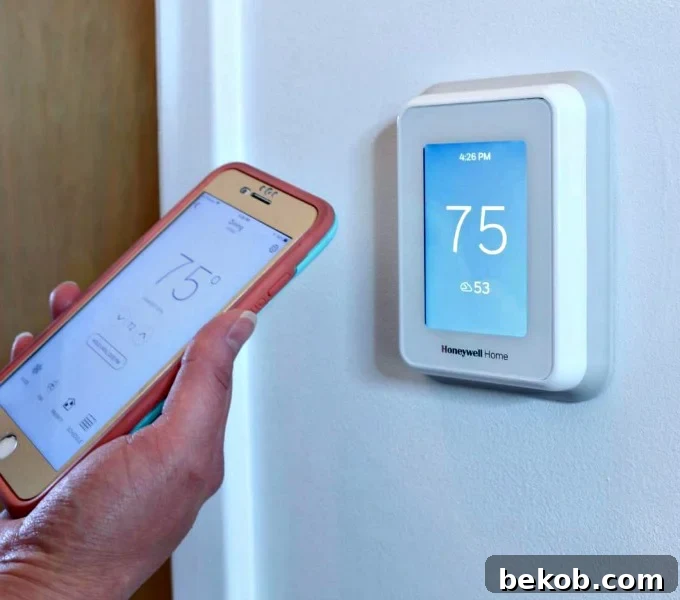
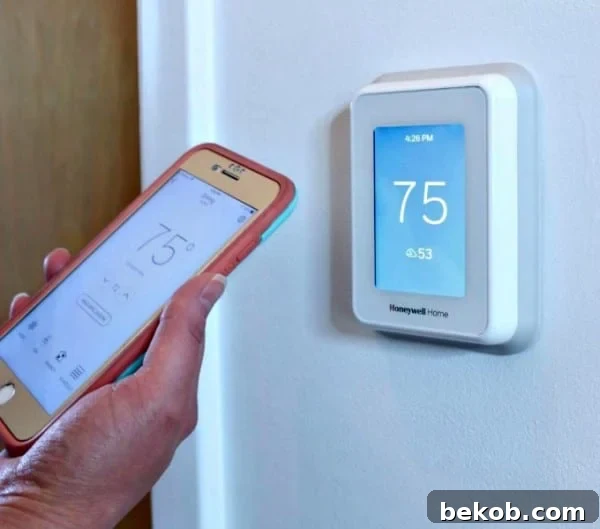
- Seamless Wi-Fi Connectivity: The ability to control our home’s temperature from anywhere using the intuitive Honeywell Home app on our smartphone is a game-changer. Whether we’re heading home from work, on vacation, or simply lounging in another room, adjusting the thermostat is effortless.
- Individual Room Sensors for True Comfort: This feature is arguably the T9’s most significant differentiator. Unlike many smart thermostats that only measure the temperature at the main unit, the T9 utilizes individual wireless room sensors. These compact sensors can be strategically placed in different rooms, allowing the thermostat to display and average temperatures across your home, or prioritize comfort in specific occupied areas. This eliminates cold spots and ensures consistent comfort where it matters most.
- Voice Assistant Compatibility: For ultimate hands-free convenience, the Honeywell Home T9 seamlessly integrates with popular voice assistants like Google Assistant and Amazon Alexa. A simple voice command is all it takes to adjust settings, check the temperature, or implement your desired climate changes.
- Cross-Platform App Support: The dedicated Honeywell Home app is available for both iPhone and Android users, ensuring that everyone in the household can easily access and manage the thermostat’s settings, schedules, and features, regardless of their mobile device.
A Personal Anecdote: Comfort When It Matters Most
During my pregnancy, not feeling well was often a daily struggle. This is where the smart features of the Honeywell Home T9 truly shone. The ability to adjust the temperature from my phone, without having to physically get up and trek to the thermostat, was an absolute godsend. Whether I needed to crank up the heat slightly or cool things down in an instant, the convenience it offered was invaluable. It transformed a minor discomfort into a seamless adjustment, allowing me to rest more comfortably and focus on recovery. This experience truly highlighted that a smart thermostat isn’t just a luxury; it’s a practical tool that enhances daily life and provides crucial support during challenging times.
Installation and Setup: Simpler Than You Think
One of the most common hesitations people have about installing a new thermostat is the perceived complexity of the process. However, as our video tutorial clearly demonstrates, removing the old thermostat, installing the new smart unit, and configuring it through the app is remarkably straightforward. Most modern smart thermostats are designed with user-friendly installation in mind, often featuring clear wiring diagrams and step-by-step app guidance. While every home’s wiring might differ slightly, the general principles remain the same:
- Safety First: Always turn off the power to your HVAC system at the circuit breaker before touching any wiring.
- Label Your Wires: Before disconnecting your old thermostat, carefully label each wire with the corresponding terminal letter (e.g., R, G, Y, W, C). This is crucial for a smooth transition.
- Mount the New Base Plate: Secure the T9’s mounting plate to the wall, feeding the wires through the opening.
- Connect the Wires: Attach the labeled wires to their respective terminals on the new thermostat’s base. The T9 generally requires a C-wire (common wire) for continuous power. If you don’t have one, some kits include an adapter.
- Attach the Thermostat Head: Snap the T9 display unit onto the base plate.
- Restore Power and Configure: Turn the power back on at the breaker. The thermostat will power up, and you can then follow the on-screen prompts and the Honeywell Home app instructions to connect it to your Wi-Fi network and set up your preferences.
The entire process, from start to finish, can often be completed in under an hour, providing instant access to advanced climate control.
The Power of Room Temperature Sensors
Beyond the main thermostat unit, the Honeywell Home T9’s wireless room temperature sensor has proven to be an indispensable addition. Its setup was just as simple as the main unit, and its discreet design allows it to blend seamlessly into our decor. These sensors solve a common problem in many homes: uneven heating and cooling. Often, the main thermostat is located in a hallway or living area, which may not accurately reflect the temperature in bedrooms or other frequently used spaces. By placing sensors in key rooms, the T9 can get a more accurate overall picture of your home’s temperature, or even prioritize comfort in specific zones. This means no more freezing bedrooms while the living room is toasty, or vice versa. It’s intelligent zoning without the complex installation of traditional multi-zone systems.

Embracing the Smart Home Ecosystem
Do you already have smart home features integrated into your daily life? Which ones are on your wish list? We are continuously fascinated by the potential of smart home technology to make our lives easier, more comfortable, and more efficient. A smart thermostat like the Honeywell Home T9 is often a central hub, integrating with other devices to create a cohesive and automated home environment. Imagine your lights dimming as you set the thermostat to “sleep mode,” or your smart blinds adjusting automatically based on the room temperature sensors. The possibilities for personalization and automation are virtually endless, making your home truly work for you.
For us, the journey of making our home smarter and more convenient is an ongoing adventure. We absolutely love discovering new gadgets and implementing solutions that simplify our routines and enhance our living experience. If you’re looking to further expand your smart home capabilities, here are a few more of our favorite smart home gadgets that you might find just as indispensable:
More Essential Smart Home Gadgets:
- Smart Wi-Fi Garage Door Opener: Never wonder if you left the garage door open again. Control and monitor it from anywhere.
- Sleek Smart Lock for the Front Door: Enhance security and convenience with keyless entry, remote access, and activity logging.
- Easy Install USB Charging Outlets: Declutter your charging stations and make power accessible right where you need it with built-in USB ports.
Final Thoughts on Smart Thermostats
Installing a Wi-Fi thermostat like the Honeywell Home T9 is more than just an upgrade; it’s an investment in your home’s future. It promises not only enhanced comfort and unparalleled convenience but also significant energy savings that pay dividends over time. The ease of installation, coupled with advanced features like individual room sensors and voice control, makes it an accessible and highly valuable addition to any modern home. If you’re looking for a simple yet powerful way to elevate your living experience and take control of your home’s climate, a smart Wi-Fi thermostat is an absolute must-have. Embrace the future of home comfort today!